
Ideas for better growth
Driving Instagram Traffic to Your Website
Chris Content · · 5 min read

Turning social attention into site visits and orders: link strategy, landing pages that match the post, tracking that survives, and what to measure.
Social platforms are built to keep attention inside the app. Every link out is friction they did not design for, which means the small number of people who do tap through are unusually valuable - and unusually easy to lose.
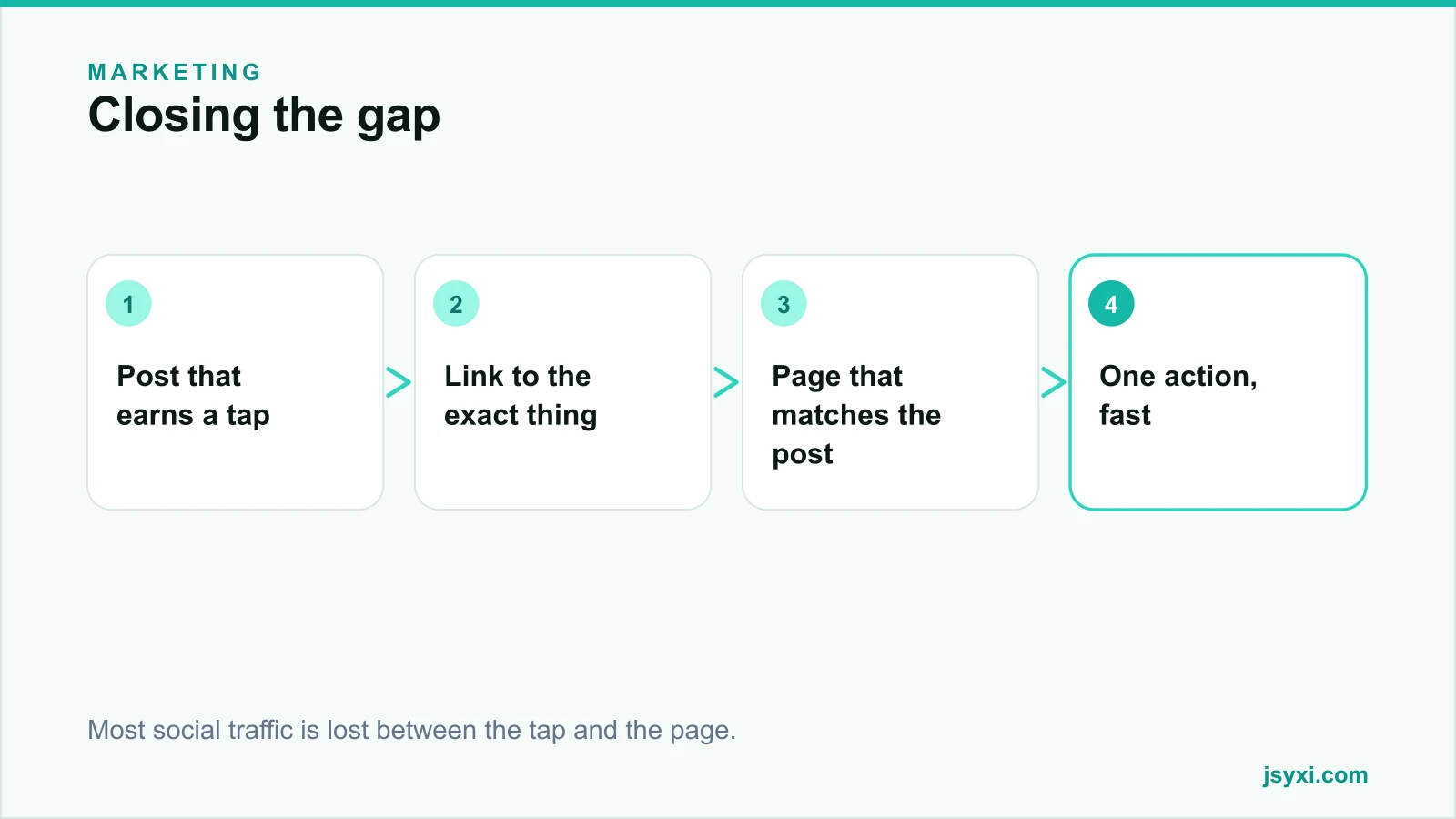
Most stores lose them in the gap between the post and the page.
Step 1: Send them somewhere specific
The most common mistake is a single profile link pointing at the homepage. Someone who tapped after seeing one product now has to find it again.
- Link to the exact product or collection shown in the post
- Keep a simple, fast link page if you must route several destinations, but treat it as a redirect layer, not a destination
- Make sure the top item on that page matches your most recent post
- Update it whenever the pinned content changes
Every extra tap between the post and the product loses a share of the people who were interested enough to leave the app.
Step 2: Make the landing page match the post
This is message match, and it decides whether the visit survives:
- The same product, in the same colourway, visible immediately
- The same offer, in the same words
- The same photograph if possible - recognition confirms they are in the right place
- The price visible without scrolling
If the post showed a green kurta with a discount and the page shows a category grid at full price, the visitor concludes they were misled. See reducing bounce on landing pages.
Step 3: Make the page fast
Social traffic arrives inside an in-app browser, often on mobile data, often mid-scroll. The tolerance for a slow page is close to zero:
- Test the page in the in-app browser, not only in Chrome or Safari
- Compress the hero image properly - see image optimization
- Reserve space so nothing shifts while the visitor is reading
- Delay non-essential scripts
An in-app browser also handles some things differently - certain payment sheets, some pop-ups, and cookie behaviour. Complete a full purchase from inside the app before running a campaign.
Step 4: Post things that earn the tap
Not every post should sell. But posts that do should make the next step obvious:
- Show the product in use, at a scale people can judge
- Say the price in the caption where it is allowed - it filters and qualifies
- State the action plainly in the caption
- Answer the top objection in the caption itself - sizing, material, delivery time
- Use the platform's own product tagging where available, which shortens the path
Step 5: Track it in a way that survives
Attribution from social is genuinely hard: in-app browsers, cross-device journeys, and privacy features all break the chain.
- Use campaign parameters on every link so you can at least see the source
- Store the first-touch source at the visitor's first session and carry it through to the order - see website to CRM workflow
- Add a "How did you hear about us?" question at checkout; it catches what tracking cannot
- Compare periods with and without social activity rather than trusting last-click attribution
Our guide to measuring without third-party cookies covers the wider approach.
Step 6: Bring the social proof onto your site
Traffic works in both directions. Content from your feed can support the buying decision on your own pages:
- A curated Instagram feed widget on product or category pages, showing real usage - see our feed guide
- Customer photos in your gallery or reviews
- A social icons row in the footer, not in the middle of checkout
Keep the feed off checkout entirely. Any external link there is a leak.
Step 7: Capture something before they leave
A social visitor may not buy on the first visit:
- A short email or WhatsApp capture with a genuine reason to subscribe
- Restock or launch alerts, which suit social audiences well
- A WhatsApp route for questions, which many social visitors prefer to a form
Then follow up on a channel you own - see email marketing basics.
Step 8: Measure the right things
- Sessions and orders by campaign parameter
- Conversion rate of social traffic versus other sources - it is usually lower, which is normal
- Assisted conversions, since social often starts rather than finishes the journey
- Self-reported attribution at checkout
- Revenue per post for the posts you actively pushed
Common mistakes to avoid
- A profile link to the homepage. The visitor has to search again.
- No message match. The page must show what the post showed.
- Never testing the in-app browser. Payment and popup behaviour differ.
- Judging social on last-click alone. It undercounts a channel that mostly starts journeys.
- Social feeds inside checkout. They leak traffic at the worst moment.
Frequently asked questions
Why does social traffic convert worse than search?
Because intent is different. Search visitors are looking for something; social visitors were interrupted. That makes message match, page speed, and a single clear action far more important.
Where should my Instagram link point?
To the exact product or collection in your most recent post. A homepage link makes the visitor search again, and most will not.
How do I track Instagram traffic properly?
Use campaign parameters on every link, store first-touch source through to the order, and add a self-reported "how did you hear about us" question at checkout to catch what in-app browsers and privacy features break.
Should I put an Instagram feed on my website?
On product and category pages, curated, as proof of real usage. Never in cart or checkout, where an external link costs you the order.
Next steps
Change your profile link to point at the product in your latest post, then open that page inside the in-app browser and complete a purchase. Fix whatever broke.
Start free and put a curated feed where it supports the decision.