
Ideas for better growth
Email Marketing Basics for Small Stores
Chris Content · · 5 min read
Build a list you own, send messages people open, and keep deliverability intact. The practical basics for a store without a marketing team.
Email is the only marketing channel a small store genuinely owns. Social reach is rented and changes without warning; search rankings move; an email list moves with you.
It is also the channel most easily ruined by a few months of careless sending.
Step 1: Build the list with consent
- Use explicit opt-in. Never add customers to a marketing list because they bought something.
- Keep the transactional and marketing purposes separate, with separate consent
- Say what you will send and roughly how often, at the point of signup
- Never buy or scrape a list - deliverability damage from a purchased list is often permanent
- Keep a record of when and how each subscriber consented
Our privacy compliance guide covers the obligations in more detail.
Step 2: Set up authentication before your first send
This is the technical step most small stores skip, and it decides whether your email reaches the inbox:
- SPF - lists which servers may send for your domain
- DKIM - signs your messages so they can be verified
- DMARC - tells receiving servers what to do when checks fail, and gives you reports
Send from your own domain, not a free mailbox address. Use a real reply-to address that a person monitors - "noreply@" tells customers you do not want to hear from them, and replies are a positive engagement signal.
Step 3: Get the automated messages right first
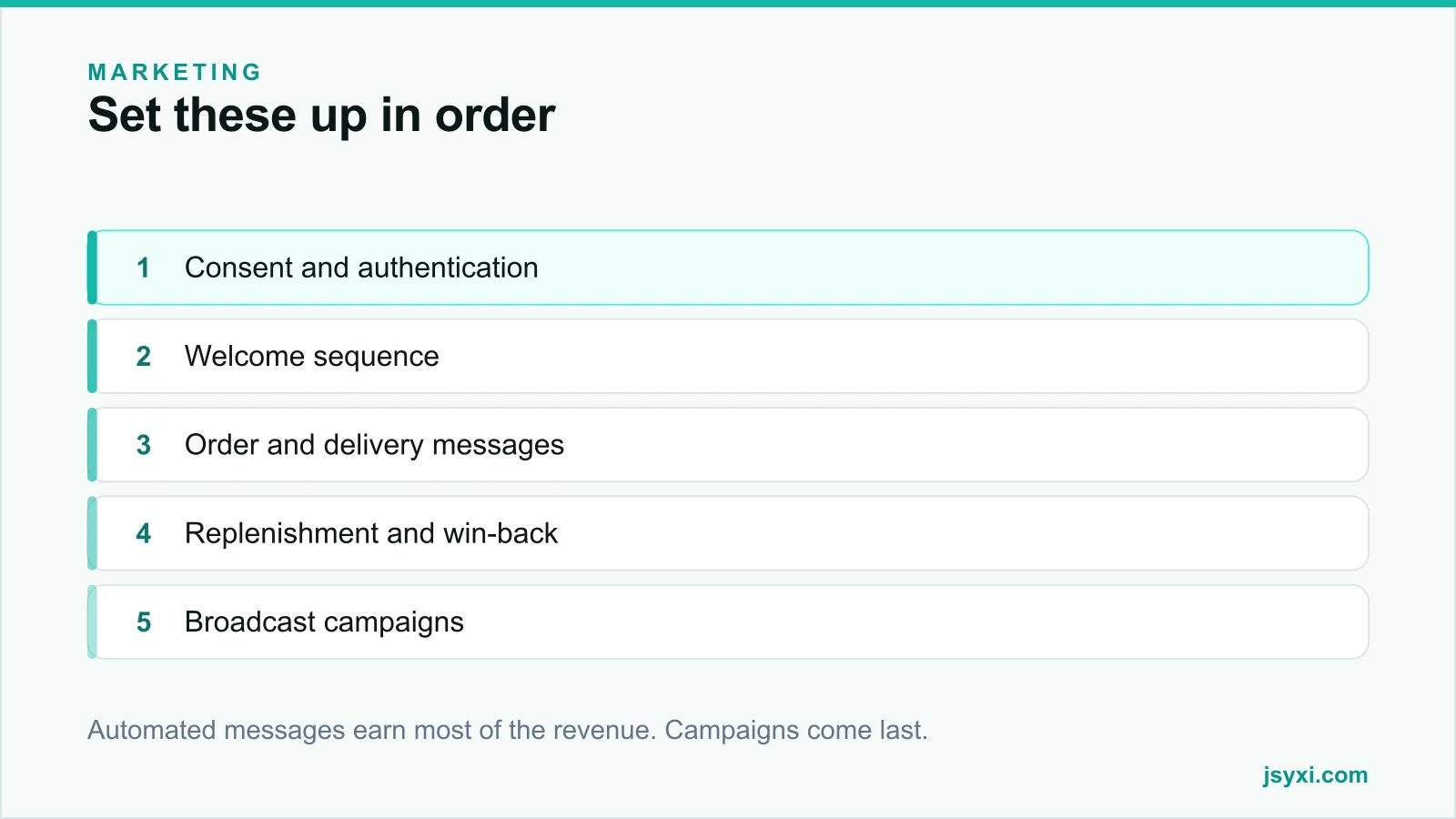
Automated messages consistently outperform broadcasts, because they arrive when the recipient is already thinking about you:
- Welcome sequence - one or two messages: what you sell, what makes you different, and the practical answers about delivery and returns
- Order confirmation, dispatch, delivery - see the post-purchase checklist
- Cart recovery - three messages, help before discount, per our abandoned cart guide
- Replenishment reminders timed to actual consumption
- Win-back, triggered relative to your repurchase window - see the retention playbook
Build these before planning any campaign calendar.
Step 4: Write emails people open and act on
- Subject line under about 45 characters, specific rather than clever
- Preview text that adds information instead of repeating the subject
- One purpose per email, with one primary action
- Front-load the point. Many readers see only the first screen
- Single column, large tap targets, readable at arm's length
- Alt text on every image, because images are frequently blocked
- A plain-text version that still works
Personalise with something that matters - what they bought, where they are - not just a first name in the greeting.
Step 5: Send at a sustainable rhythm
- Pick a frequency you can maintain and state it at signup
- Weekly is fine if you have something to say; monthly is fine if you do not
- Do not go quiet for six months and then resume - re-engagement after silence produces complaints
- Watch how your sends interact with your automated messages; a customer should not receive four things in a day
Step 6: Protect deliverability
Deliverability degrades quietly, then all at once:
- Never send to purchased or scraped addresses
- Remove hard bounces immediately
- Suppress unengaged subscribers - people who have not opened in six to twelve months
- Make unsubscribing one click. A hidden unsubscribe converts into a spam complaint, which costs far more
- Watch complaint rates and investigate any spike
- Warm up gradually if you move providers or start sending at higher volume
A smaller engaged list outperforms a larger indifferent one, and protects the inbox placement of your transactional messages too.
Step 7: Measure what matters
- Revenue per email sent, not open rate alone
- Click-to-open rate, which reflects content quality
- Unsubscribe and complaint rate as guardrails
- Automated versus broadcast revenue split
- List growth net of unsubscribes and suppressions
Treat open rates with caution: privacy features on several mail clients inflate them by pre-loading images. Clicks and revenue are the honest signals.
Step 8: Grow the list honestly
- A clear signup on your site with a real reason to subscribe
- Offer something useful - early access, a guide, restock alerts - rather than a discount that attracts one-time buyers
- A popup with sensible frequency rules, per popups that convert without annoying visitors
- At checkout, as a separate opt-in
- In person, with explicit consent
Common mistakes to avoid
- Skipping SPF, DKIM, and DMARC. Your messages land in spam and you never know why.
- Adding customers to marketing without consent.
- "noreply@" addresses. They suppress replies, which are a positive signal.
- Sending to unengaged addresses forever. It damages placement for everyone else.
- Judging success on open rate. It is inflated and unreliable.
Frequently asked questions
How often should a small store send marketing emails?
At a rhythm you can sustain and that you stated at signup - weekly if you genuinely have something to say, monthly otherwise. Consistency matters more than frequency.
Why do my emails go to spam?
Most commonly missing SPF, DKIM, and DMARC records, sending from a free mailbox rather than your domain, poor list hygiene, or a high complaint rate from a hidden unsubscribe link.
Should I buy an email list?
Never. Purchased lists produce complaints and bounces that damage your sending reputation, often permanently, and in most markets they fail consent requirements outright.
What email should I set up first?
Order and delivery messages, then a welcome sequence, then cart recovery. Automated messages tied to a customer action earn far more than broadcast campaigns.
Next steps
Check that SPF, DKIM, and DMARC are configured for your sending domain, then build your order, welcome, and cart recovery messages before planning a single campaign.
Start free and capture signups with a form that states what subscribers will actually receive.