
Ideas for better growth
A Monthly Website Maintenance Checklist
Chris Content · · 4 min read

Websites decay quietly. A monthly routine that catches broken links, stale content, security updates, performance regressions, and dead forms before customers do.
Websites do not fail suddenly. They decay: a form stops delivering, a plugin goes unpatched, a phone number changes, an expired banner sits for months, and the page that used to load in two seconds now takes six.
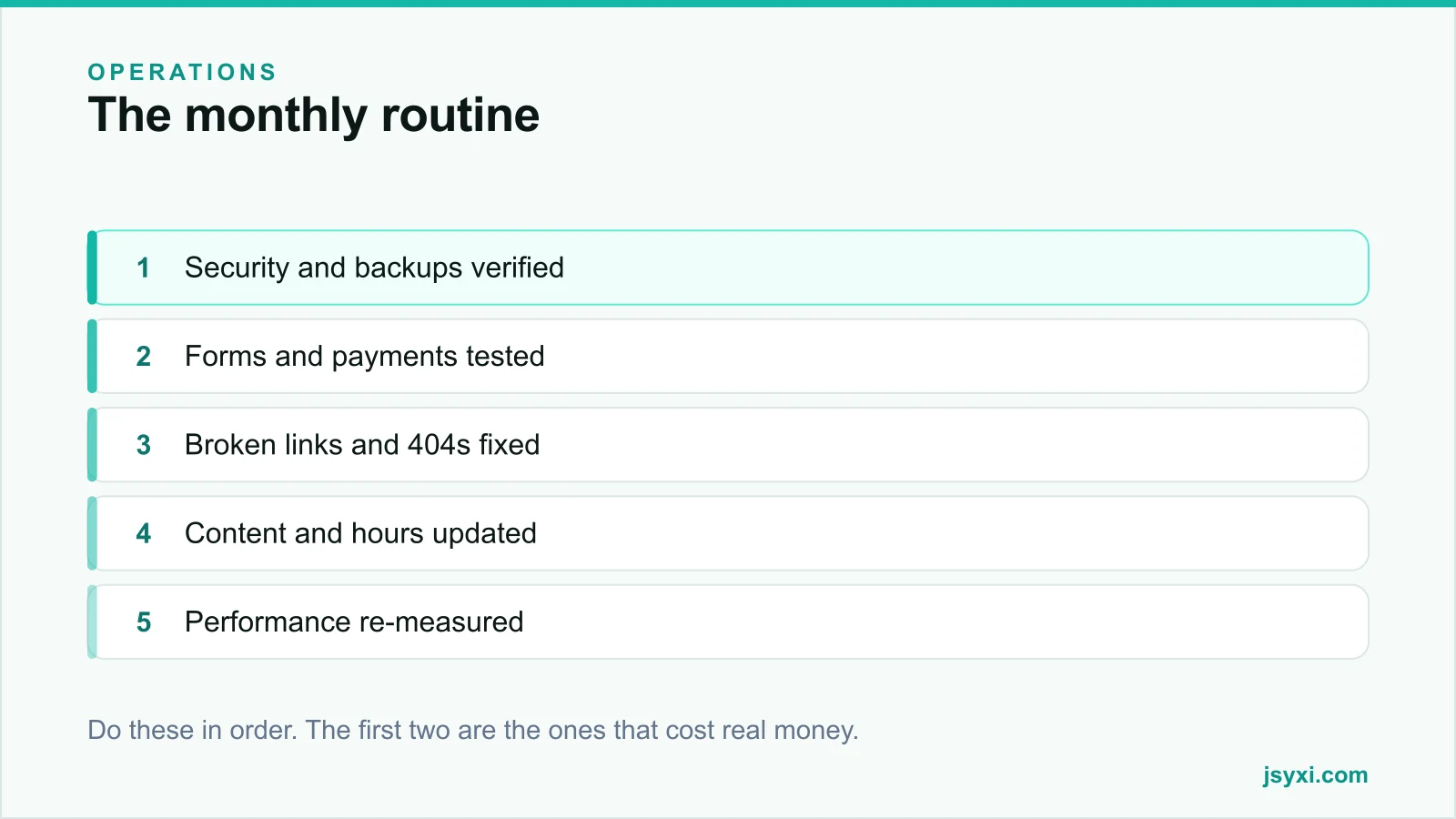
This is an hour a month, in priority order.
1. Security and backups
Do this first, every time:
- Apply platform, plugin, theme, and dependency updates - test on staging where you have one
- Check for known vulnerabilities in what you run
- Confirm backups ran, and restore one to verify it works. An untested backup is a hope, not a backup.
- Review admin users and remove anyone who has left
- Confirm two-factor authentication is enabled for every admin
- Check SSL certificate expiry and auto-renewal
- Review any API keys and tokens still in use
The restore test is the step everyone skips and the one that matters most.
2. The things that take money
Test the revenue path yourself, on a real phone:
- Submit every form and confirm the notification and the record both arrive
- Place a real low-value order end to end
- Deliberately fail a payment and check the retry path
- Verify the confirmation email or message arrives and is not filtered as spam
- Check your chat and callback routes are answered
A silently broken contact form can cost weeks of enquiries before anyone notices the quiet.
3. Links and errors
- Run a link checker across the site and fix broken internal links
- Review 404 logs and redirect anything with real traffic
- Check for redirect chains and collapse them
- Review server error logs for recurring 500s
- Check that external links still go where you think they do
4. Content accuracy
The content most likely to be wrong is the content nobody owns:
- Prices, offers, and shipping thresholds
- Opening hours, including upcoming holidays - see our business hours guide
- Team page, after joiners and leavers
- Expired banners, countdowns, and promotional bars
- Contact details in the footer and on the contact page
- Stock status on featured products
- Copyright year
Anything with a date on it deserves a monthly glance.
5. Performance
- Re-measure key pages on a mid-range phone
- Compare against last month; investigate any regression
- Check field data in Search Console
- Review any new third-party script added this month, and whether it is justified
- Check total page weight against your budget
Performance regresses through accumulation, which is why monthly beats annually. See page speed optimization.
6. Search visibility
- Check Search Console for coverage errors and manual actions
- Look for pages that dropped out of the index
- Review queries with impressions but few clicks - usually a title problem
- Confirm the sitemap is current
- Check that recent pages have been indexed
7. Analytics sanity check
- Confirm tracking is firing, and firing once
- Check that conversions are recording
- Compare traffic against the same month last year, not last month
- Investigate any unexplained spike or collapse - it is often a tracking fault, not a business change
8. Third-party review
- List all widgets, embeds, and scripts currently loading
- Remove anything with no owner or purpose
- Check subscription renewals and cancel what is unused
- Verify vendor status pages for anything you depend on
Quarterly, not monthly
Some tasks do not need this cadence:
- Full accessibility audit - see our accessibility checklist
- Content refresh of the top ten pages
- Competitor comparison
- Full technical SEO audit - see the technical SEO checklist
- Review of legal pages against current obligations
- Backup and disaster recovery drill
Make it stick
- Put it in the calendar, same day each month
- Give it one named owner
- Keep a simple log of what was checked and what was found
- Note anything deferred, with a date
- Review the log quarterly for recurring problems
The log matters more than the checklist. Recurring issues point at a structural problem worth fixing once.
Common mistakes to avoid
- Never testing a restore. Backups fail silently.
- Updating without a staging check on a business-critical site.
- Assuming forms work because they worked at launch.
- Deferring updates indefinitely. Security debt compounds.
- No owner. Maintenance that belongs to everyone belongs to nobody.
Frequently asked questions
How often should a small business website be maintained?
A monthly routine covering security, backups, forms, links, content accuracy, and performance, plus a deeper quarterly review of accessibility, content, and technical SEO.
What is the most commonly missed maintenance task?
Testing that a backup actually restores, and testing that contact forms still deliver. Both fail silently and both are expensive when discovered late.
Do I need to update plugins immediately?
Security updates, yes, as soon as practical. Feature updates can wait for a scheduled window with a staging check. Deferring security patches is the most common route to a compromised site.
How do I know if my website is slowing down?
Measure the same key pages on the same device profile every month and record the numbers. Field data in Search Console shows what real visitors experienced over time.
Next steps
Put a recurring hour in the calendar, start with a backup restore test and a form test, and keep a log of what you find. Two months of logs will show you what keeps breaking.
Start free and manage your site widgets from one place so the monthly review is quicker.