
Ideas for better growth
A Google Ads Landing Page Checklist
Chris Content · · 5 min read

Paid clicks are wasted on the wrong page. Message match, load speed, form length, and tracking - the checks to run before spending another rupee.
Paid search is the one channel where every visitor has a known cost. That makes landing page problems expensive in a way organic traffic hides: a page that loses 60 per cent of arrivals is losing 60 per cent of your budget.
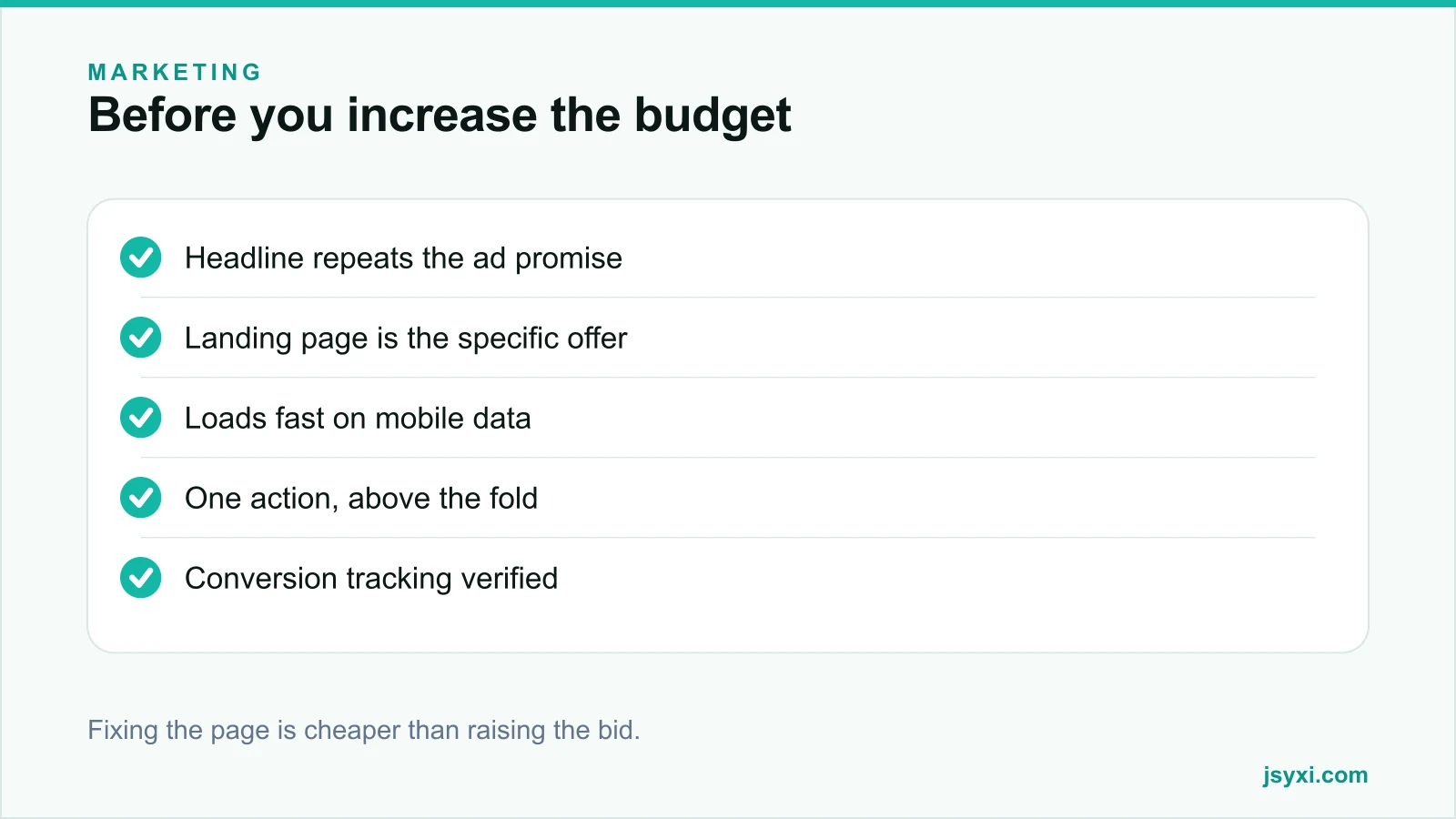
Run these checks before increasing a bid.
1. Message match: does the page repeat the ad?
Put the ad and the page side by side:
- Does the landing page headline contain the phrase from the ad?
- Is the specific product or service named, not a category?
- Is the offer identical, including any discount or condition?
- Is the price consistent with what the ad implied?
If someone searched for a specific product, clicked an ad naming it, and landed on a general category page, they have to search again. Most will not.
Send each ad group to the closest useful page, not to the homepage.
2. Is the offer visible without scrolling?
On a mid-range phone, the first screen must show:
- What is being offered, in plain words
- Who it is for
- The price or a price signal
- One action
Anything else - navigation, social feeds, unrelated promotions - is competing with the thing you paid for. See what belongs above the fold.
3. How fast is it, really?
Test on a mid-range phone with a throttled connection, not on your desktop:
- Largest Contentful Paint under a couple of seconds
- Nothing shifting as the page loads
- Hero image compressed and correctly sized
- Consent banner and chat widget not blocking first render
Speed is also a component of ad quality signals in most platforms, so a slow page costs you twice: fewer conversions and a worse cost per click. See our page speed guide.
4. Is there exactly one action?
Paid landing pages should be narrower than normal pages:
- One primary action, repeated as the page gets longer
- Remove or reduce navigation that lets visitors wander
- No unrelated promotions
- No popup interrupting a visitor you just paid for
If the page has three competing actions, you are splitting paid traffic across goals you cannot measure separately.
5. Is the form as short as it can be?
Every field costs completions on traffic you paid for:
- Name, one contact route, what they need, at most one qualifier
- Correct input types and working autofill
- Errors beside the field, in plain language
- A response-time promise beside the submit button
See lead capture form best practices and microcopy that removes friction.
6. Are the obvious objections answered?
The visitor arrived from a search, not from your brand:
- Who you are and where you operate
- Price or a genuine range
- Delivery or turnaround time
- Return or cancellation terms
- Proof - a named testimonial, a rating with its count, recognisable clients
A short FAQ accordion below the offer handles most of it without lengthening the page for people who do not need it.
7. Is conversion tracking actually working?
Verify rather than assume:
- Fire a real test conversion and confirm it records
- Check it does not double-count on page refresh or back navigation
- Confirm the conversion you optimise toward is a business outcome, not a button click
- Check consent handling - if measurement is held until consent, know what share you are missing
- Reconcile platform-reported conversions against your own order or enquiry records
Our guide on conversion tracking setup covers this end to end. If the numbers are wrong, every optimisation decision after it is wrong too.
8. Does the mobile experience actually work?
- Tap the primary action with one thumb
- Open the keyboard and check nothing covers the submit button
- Test with an ad blocker enabled
- Test the page in an in-app browser if you also run social ads
9. Is the post-click follow-up ready?
You paid for a lead. Losing it to a slow reply wastes the entire spend:
- An owner assigned automatically on submission
- A response-time commitment you meet
- An immediate honest acknowledgement
- The source captured on the record so you can measure cost per qualified lead
See speed to lead.
10. Are you measuring quality, not just volume?
- Cost per qualified lead, not cost per form fill
- Conversion rate from lead to customer, by campaign
- Revenue by campaign, using first-touch source carried into your CRM
- Loss reasons by campaign, which reveal which keywords attract the wrong people
Common mistakes to avoid
- Sending every ad to the homepage. The visitor repeats their search.
- A popup on paid traffic. You paid for the click and then interrupted it.
- Untested conversion tracking. Wrong data optimises toward the wrong thing.
- Long forms on expensive clicks. Each field has a measurable price now.
- Optimising bids before fixing the page. The page is the cheaper lever.
Frequently asked questions
Should Google Ads point to the homepage?
Almost never. Send each ad group to the page that matches the search - the specific product, service, or offer named in the ad. Homepage traffic makes the visitor start their search again.
Does landing page speed affect ad costs?
Yes, indirectly. Landing page experience feeds into ad quality signals, which influence cost per click, and slow pages lose conversions regardless. It is one of the cheapest levers available.
How long should a paid landing page be?
Long enough to answer the objections that block the decision and no longer. Offer and action above the fold, proof and objection handling below, with the action repeated.
What conversion should I optimise toward?
A real business outcome - a qualified enquiry or a purchase - not a button click or a pageview. Optimising toward a proxy trains the platform to find people who click but do not buy.
Next steps
Take your highest-spend ad group, open its landing page on a mid-range phone, and check message match, load speed, and the single action. Fix those before touching a bid.
Start free and put an FAQ accordion on the page to answer the objections that block conversion.