
Ideas for better growth
Choosing a CRM for a Small Business
Chris Content · · 5 min read
What a CRM actually needs to do for a small team, when a spreadsheet is still enough, and how to avoid buying a system nobody updates.
Most small businesses buy a CRM, import their contacts, use it for six weeks, and go back to the spreadsheet and the shared inbox. The system was not wrong; the expectations were.
A CRM does one thing well: it makes sure no enquiry is forgotten and everyone knows who owns what. Everything else is optional.
When a spreadsheet is still enough
You do not need a CRM if:
- One person handles all enquiries
- Volume is low enough to hold in your head
- The sales cycle is a single conversation
- Nothing is handed between people
You do need one when:
- More than one person touches an enquiry
- Deals take multiple conversations over weeks
- You cannot answer "what is the status of that enquiry" without asking someone
- Leads are being missed and you only find out from a complaint
- You want to know which marketing produced revenue, not just traffic
The trigger is usually handover, not volume.
What it must do
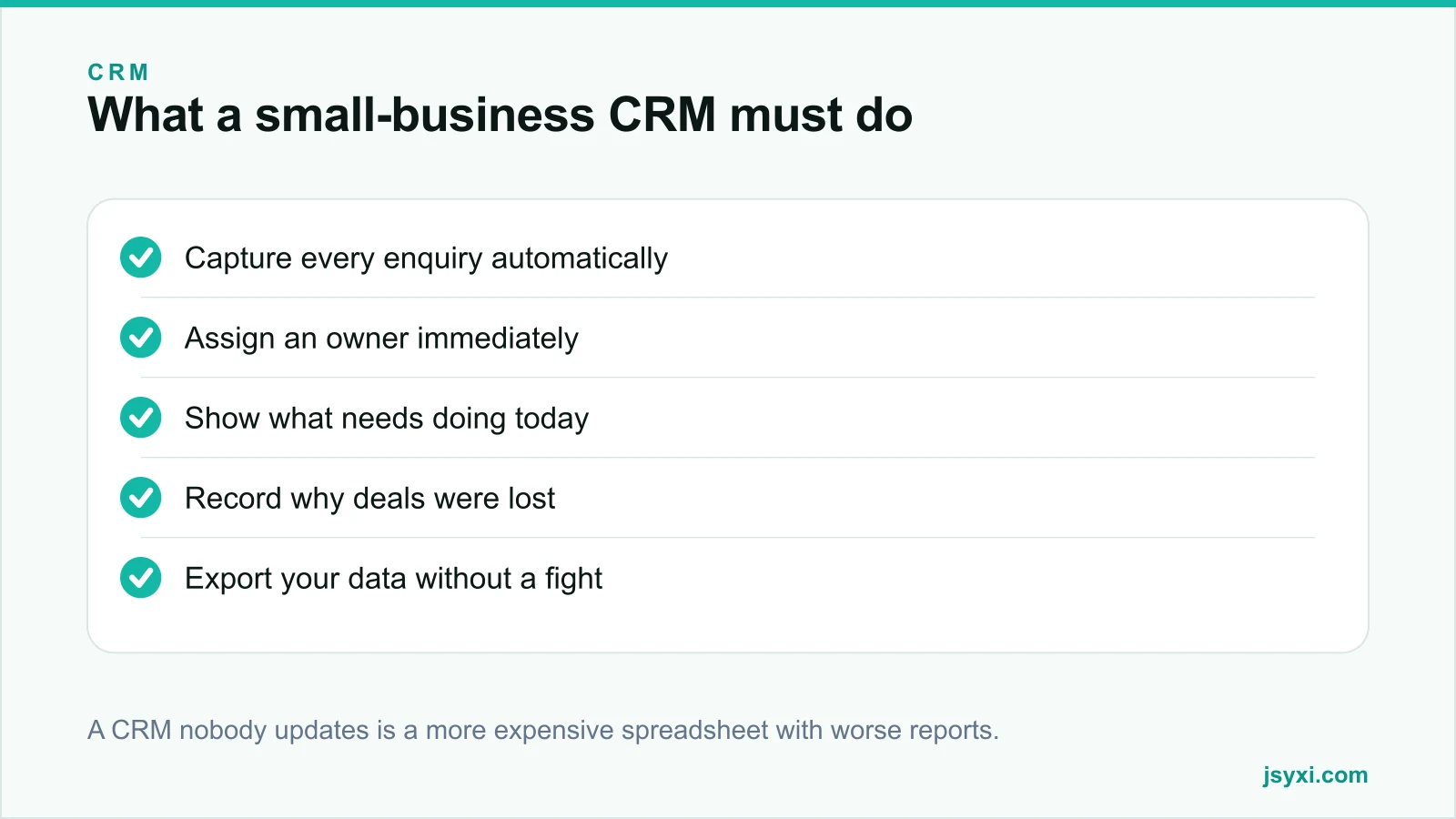
Judge any option against five requirements:
- Capture every enquiry automatically. Web forms, chat, phone, and email should create records without anyone retyping them. Manual entry is where CRMs die.
- Assign an owner immediately. Every record has one name attached, from the moment it arrives.
- Show what needs doing today. A single list per person of overdue and due follow-ups. If your team cannot see their day in one view, they will not open the system.
- Record outcomes and loss reasons. Without this you cannot improve anything.
- Export cleanly. Your customer data is yours. Check the export before you commit.
What you probably do not need yet
- Complex multi-branch pipelines
- Marketing automation with branching journeys
- Predictive scoring
- Territory management
- A dozen custom objects
These are the features that make demos impressive and adoption fail. Buy them when a specific problem demands them.
Evaluate for adoption, not features
The best CRM for a small team is the one they will actually update. When evaluating:
- Time to log an interaction. If it takes more than fifteen seconds, it will not happen.
- Mobile usability. Field sales log from a phone or not at all.
- Number of required fields. Every mandatory field is a reason to skip the record.
- Search speed. Finding a customer mid-call has to be instant.
- Import quality. Test with your real data, including messy phone numbers.
Run a two-week trial with real enquiries and the people who will use it, not a demo dataset.
Get the data model right early
Decide before importing:
- What counts as a lead, a contact, a company, and a deal
- Your stage names and their entry criteria - see our qualification framework
- Your fixed loss-reason list
- Which fields are mandatory - keep this list very short
- How duplicates are detected and merged
Changing this later is far more expensive than deciding it now.
Connect the website properly
The single highest-value integration is your website:
- Every form submission creates a record with its source page
- Chat conversations are logged against the contact
- Calculator or configurator inputs are attached to the enquiry
- Campaign parameters are preserved
That gives you attribution from first touch to revenue rather than to traffic. Our guide on wiring your website into your CRM covers the mechanics, and for anything beyond an off-the-shelf tool, our custom CRM development service builds to your process.
Set the rules that make it work
A CRM enforces nothing on its own. Agree:
- Every enquiry gets an owner within a defined time
- Every conversation is logged the same day
- Every closed deal records a reason
- Stale records are reviewed weekly, not left to rot
- Reports are reviewed in a regular meeting, so the data has a purpose
Adoption follows from the data being used. If nobody looks at the reports, nobody maintains the records.
Migration without losing history
- Clean the data before importing, not after
- Deduplicate on phone and email
- Standardise phone number formats
- Import a small sample first and check it
- Keep the old system readable for a few months
- Do not migrate during a peak season
Common mistakes to avoid
- Buying for features you will not use. Complexity kills adoption.
- Manual entry as the primary capture route. It will not survive a busy week.
- Twenty mandatory fields. Each one is a reason not to create the record.
- No agreement on stage definitions. The pipeline becomes fiction.
- Never reviewing the reports. Unused data stops being maintained.
Frequently asked questions
When does a small business need a CRM?
When more than one person handles enquiries, when deals take several conversations, or when you cannot answer the status of an enquiry without asking a colleague. Handover, not volume, is usually the trigger.
Is a spreadsheet good enough for managing leads?
For a single person with a short sales cycle, yes. It stops working as soon as ownership changes hands, follow-ups span weeks, or you need to know which source produced revenue.
What features matter most in a small business CRM?
Automatic capture from your website and chat, clear ownership, a daily task view, loss-reason recording, and clean data export. Everything else is secondary.
Should I build a custom CRM?
Only when your process is genuinely unusual and an off-the-shelf tool would force you to work in a way that costs you money. Start with a standard tool, document where it fails, then decide.
Next steps
Write down the five things you need a CRM to do, trial two options for two weeks with real enquiries, and judge them on whether your team actually updates the records.
If your process does not fit standard tools, our custom CRM development service builds around how you already work.