
Ideas for better growth
The WhatsApp Widget Playbook for Online Stores
Chris Content · · 5 min read
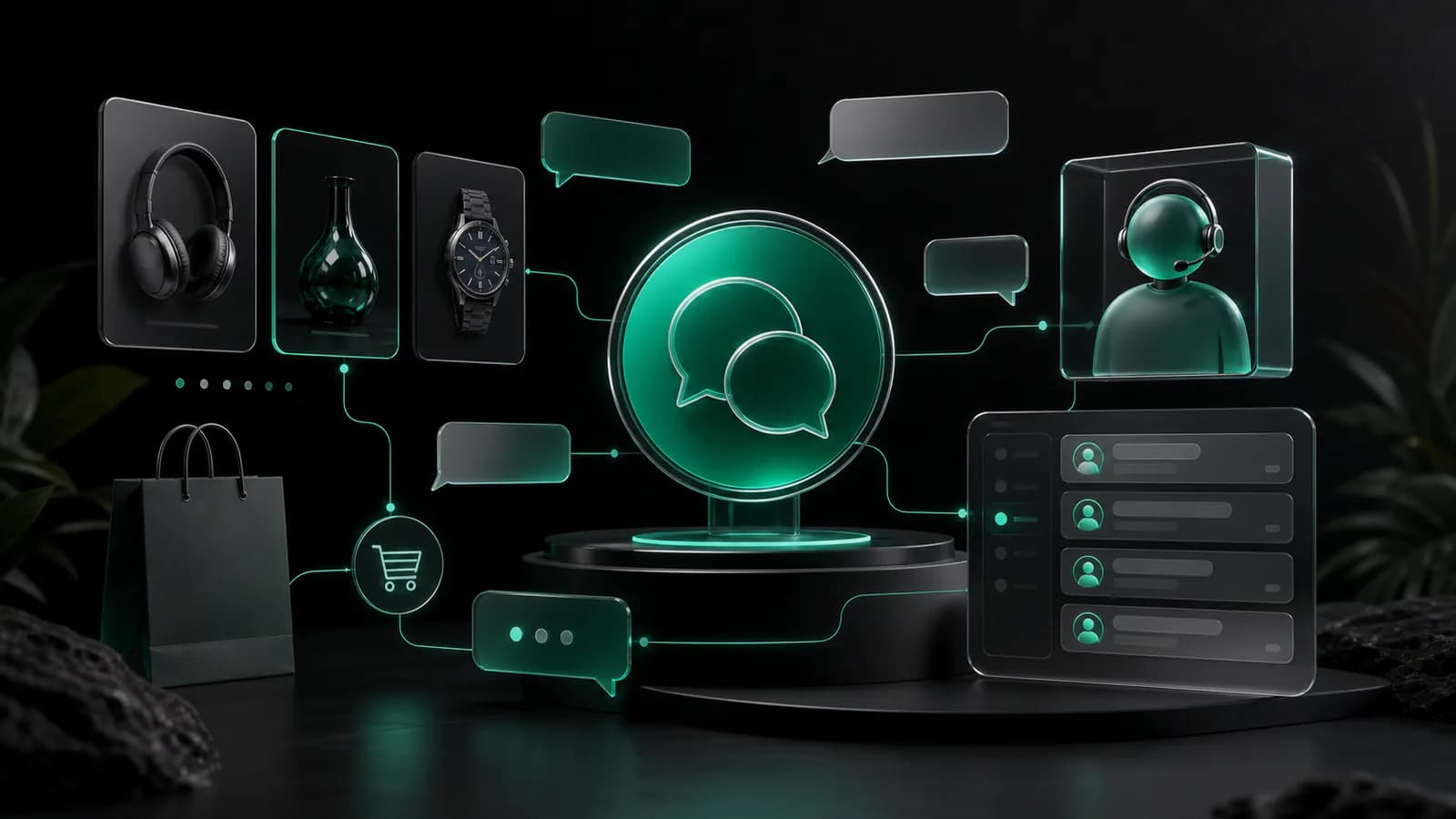
Turn a chat launcher into a reliable sales and support channel with clear intent, useful prefilled messages, sensible placement, routing, and measurement.
A WhatsApp widget can shorten the distance between a product question and a useful answer. It can also create an unmanaged queue, interrupt shoppers, and set expectations your team cannot meet.
Decide which conversations you want
Start with one primary job. Common store use cases include:
- Pre-purchase questions about fit, compatibility, ingredients, or customisation
- Delivery availability for a postcode or date
- Help selecting between similar products
- High-consideration quotes or bulk orders
- Order support after identity is verified through an appropriate process
Decide what the WhatsApp route handles, what belongs in email or a ticket, and what should remain self-service. Use a specific outcome such as helping product-page visitors confirm compatibility.
Use the right business number and ownership model
Choose a number the business controls, not a staff member's personal number. Document who can access it, how access is removed when roles change, and how conversation history is handled.
Set operating hours, response ownership, escalation paths, and handover rules. If nobody is available overnight, the widget should not promise an immediate reply.
The visible agent name can be a team name when the responder varies. Use a real role such as “Product Support” rather than inventing a person. The WhatsApp Widget lets you configure the greeting, agent details, button label, position, delay, and mobile visibility.
Make the first message do useful work
A prefilled message reduces blank-page effort and can carry page context into the conversation. Keep it editable and avoid collecting sensitive information.
A useful product-page pattern is:
“Hi, I have a question about this product: [page link]. My question is:”
For a collection page:
“Hi, I am choosing between products in this collection: [page link]. I need help with:”
For delivery:
“Hi, can you help me check delivery availability for this item? [page link]”
The page URL helps the team identify context, but do not place hidden personal data, cart contents, email addresses, or order details into the message. Ask the customer to edit or add their question before sending.
Place the launcher where help is valuable
A persistent launcher can work across a store, but its message should adapt to the page.
Product pages
This is the strongest location when customers need advice before choosing. Position the widget so it does not cover the add-to-cart button, variant controls, accessibility controls, or cookie settings. On mobile, test the combined height of sticky actions and the browser's own interface.
Cart
Use a restrained prompt for final questions about delivery, compatibility, or bulk ordering. Do not imply that the team can reserve stock or prices unless the operation truly supports it.
Order and account pages
Avoid injecting private order information into a new chat. Direct customers through a verified support flow for refunds, address changes, payment questions, or account data.
Set honest response expectations
“Typically replies within an hour” should be based on a service level your team can maintain during stated hours. If the queue is unattended, say when the customer can expect a response and provide an alternative route for urgent order changes.
Build a lightweight triage response:
- Acknowledge the request
- Confirm the product or order context
- Ask only for the next necessary detail
- Provide the answer or explain the handoff
- Summarise the agreed next step
Create three practical conversation playbooks
Pre-purchase product question
Identify the item and intended use. Ask the minimum clarifying question. Link to the relevant specification or policy, then summarise which option fits and why. Do not guarantee outcomes the product cannot guarantee.
Delivery question
Confirm the product, quantity, destination area, and required date without requesting more personal data than necessary. Check the authoritative fulfilment source. Distinguish estimated delivery from a guaranteed service.
Existing-order issue
Move the customer into the store's approved verification process before discussing an order. Never use publicly visible profile information as proof of identity. Record the resolution in the system used by the support team so the conversation is not isolated on one device.
For structured requests that need fields, consent, routing, or attachments, a Lead Form may be a better first step than open chat.
Protect privacy and customer choice
Explain that clicking opens WhatsApp and may share information with that service according to its terms. Load third-party resources in line with your consent and privacy approach. Keep the launcher dismissible and do not repeatedly reopen it after the visitor closes it.
Train responders not to request payment credentials, passwords, one-time codes, or unnecessary identity documents. Define retention and deletion practices for conversation data, exports, screenshots, and linked CRM records.
If marketing follow-up is a separate purpose, obtain the appropriate permission rather than treating a support message as automatic promotional consent. Make opting out straightforward.
Measure conversations through outcomes
Useful operational measures include launcher opens, conversations started, first-response time during staffed hours, resolution time, topic, handoff, and outcome. Use consistent categories such as product advice, delivery, bulk order, return, or technical issue.
Avoid claiming every conversation caused a sale. If you record an assisted purchase, use a clear attribution rule and keep it separate from direct causal proof. Also track unanswered conversations, repeat questions, and pages that generate avoidable confusion.
Repeated questions may reveal a content fix. Update product pages and shipping information so chat does not become a permanent patch for missing content.
Test the complete experience
Before launch:
- Open the widget on common mobile and desktop widths
- Check it against sticky cart bars, cookie controls, and other widgets
- Confirm the destination number and international format
- Verify the prefilled message and page link
- Test the unavailable-hours message
- Send a conversation through every ownership and escalation step
- Test keyboard focus, labels, contrast, and reduced motion
- Review loading behaviour on a slower connection
- Confirm analytics do not capture message content or sensitive data
- Check the experience when WhatsApp is not installed
Launch on a small set of high-intent pages first. Review conversation quality and staffing pressure, fix recurring information gaps, then expand deliberately.
A dependable widget is a service promise
The button is the easy part. A premium experience comes from contextual messages, accurate availability, trained ownership, responsible data handling, and answers connected to real store operations.
Configure your first flow with the WhatsApp Widget. If you need page-specific context, CRM routing, or a deeper storefront workflow, explore Shopify Development or talk to JSYXI about the integration.