
Ideas for better growth
The Website Launch Checklist
Chris Content · · 4 min read
Everything to verify before and after going live: redirects, indexing, analytics, forms, performance, legal pages, and the checks people always forget.
Most launch failures are not dramatic. The site goes live, looks fine, and quietly loses half its search traffic because a staging directive came with it, or because nobody mapped the old URLs.
This checklist covers what to verify before and after going live.
Two weeks before
Content and legal
- All placeholder text removed - search the site for "lorem" and "TODO"
- Contact details correct everywhere, including the footer
- Privacy policy, terms, and refund or returns policy published and accurate
- Cookie or consent notice in place if required - see our privacy compliance guide
- Copyright year and company registration details correct
Redirect map
- Export every URL from the old site
- Map each to its closest equivalent on the new site
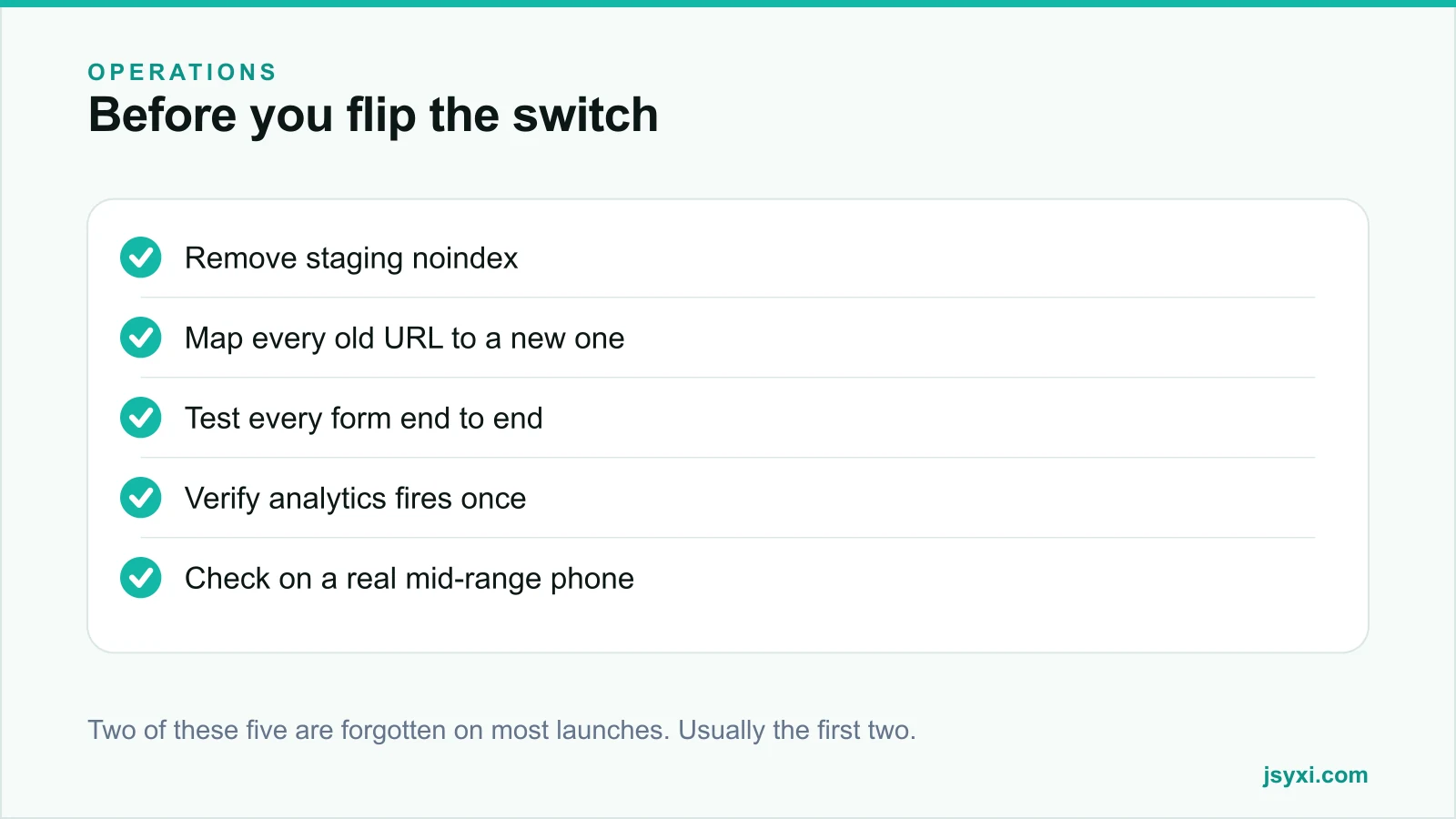
- Redirect permanently, one hop, never through a chain
- Never redirect everything to the homepage - it is treated as a soft error and discards the page's history
- Include old sitemaps, feeds, and any linked PDFs
This is the single most valuable pre-launch task for an existing site.
One week before
Technical
- Remove any noindex directive from the staging environment
- Check robots.txt does not disallow anything important
- HTTPS working, with the certificate valid and auto-renewing
- One canonical host, with the alternative redirecting
- Self-referencing canonical tags present
- 404 page returns a real 404 status and offers a route back
- Sitemap generated, accurate, and referenced in robots.txt
Performance
- Test key pages on a mid-range phone with a throttled connection
- Images compressed, sized, and with dimensions set
- No render-blocking scripts before content
- Fonts limited and loading without hiding text
- Third-party scripts inventoried and justified - see page speed
Functionality
- Every form submitted end to end, with the notification received and the record created
- Payment tested with a real transaction, including a deliberate failure
- Search returns sensible results, including for misspellings
- All widgets render and behave correctly - see the embed snippet guide
- Every external link opens correctly
Launch day
- Take a full backup of the old site, including the database
- Lower DNS time-to-live in advance so changes propagate quickly
- Deploy during your quietest hours
- Verify the site loads from a different network and device
- Check pages render for search engines using a URL inspection tool
- Confirm analytics is recording, and firing once rather than twice
- Submit the sitemap in Search Console
- Spot-check twenty of your most important redirects manually
The first 48 hours
- Watch server error logs for 500s
- Watch 404 logs and add redirects for anything with real traffic
- Check Search Console for coverage errors and manual actions
- Confirm form submissions are arriving, not silently failing
- Compare traffic and conversion with the same period before launch
- Test checkout again from a fresh device
The first two weeks
- Review indexing status; expect fluctuation, but investigate large drops
- Check Core Web Vitals field data as it accumulates
- Review the top landing pages against expectations
- Collect the issues everyone noticed but did not report
- Fix in order of revenue impact, not annoyance
The checks people forget
- The email that forms send. Test that it arrives and is not filtered as spam.
- Favicon and social share images. Share a link in a chat app and see what appears.
- The 404 page itself. It is often unstyled.
- Print styles, if customers print invoices or menus.
- The site with an ad blocker enabled.
- Old email campaign links pointing at pages that no longer exist.
- QR codes on printed material pointing at old URLs.
Common mistakes to avoid
- A staging noindex left in production. The most damaging launch error there is.
- Redirecting everything to the homepage. It throws away the value of every old page.
- Launching on a Friday. Nobody is available when something breaks.
- No backup of the old site. Rollback becomes impossible.
- Testing only on the machine that built it. Test on a real phone on mobile data.
Frequently asked questions
What is the most important pre-launch check?
Removing any staging noindex directive and verifying your redirect map. Those two account for the majority of serious post-launch traffic losses.
Will my traffic drop after a redesign?
Some fluctuation is normal for a few weeks while search engines recrawl. A large sustained drop usually means missing redirects, a blocking directive, or content that was removed rather than migrated.
How long should old URLs redirect?
Indefinitely where practical, and for at least a year at minimum. Links and bookmarks persist far longer than most teams expect, and removing redirects later reintroduces the loss.
Should I launch a redesign all at once?
For a small site, yes, with a rehearsed plan. For a large or complex site, a phased rollout by section reduces risk and makes problems easier to attribute.
Next steps
Build your redirect map first - it is the task most often skipped and most expensive to skip. Then rehearse the full purchase or enquiry journey on a real phone before you go live.
Start free and check every widget renders on the new site before launch day.