
Ideas for better growth
Auditing Shopify App Bloat
Chris Content · · 4 min read

Every app adds scripts, cost, and risk. A structured audit to find what each one contributes, remove the leftovers, and clean up the code they leave behind.
App stores make it trivially easy to add functionality and surprisingly hard to remove it. A store two years old typically runs a dozen or more apps, several of which nobody uses, all of which charge monthly, and many of which have left code behind in the theme.
This is a structured audit you can run in an afternoon.
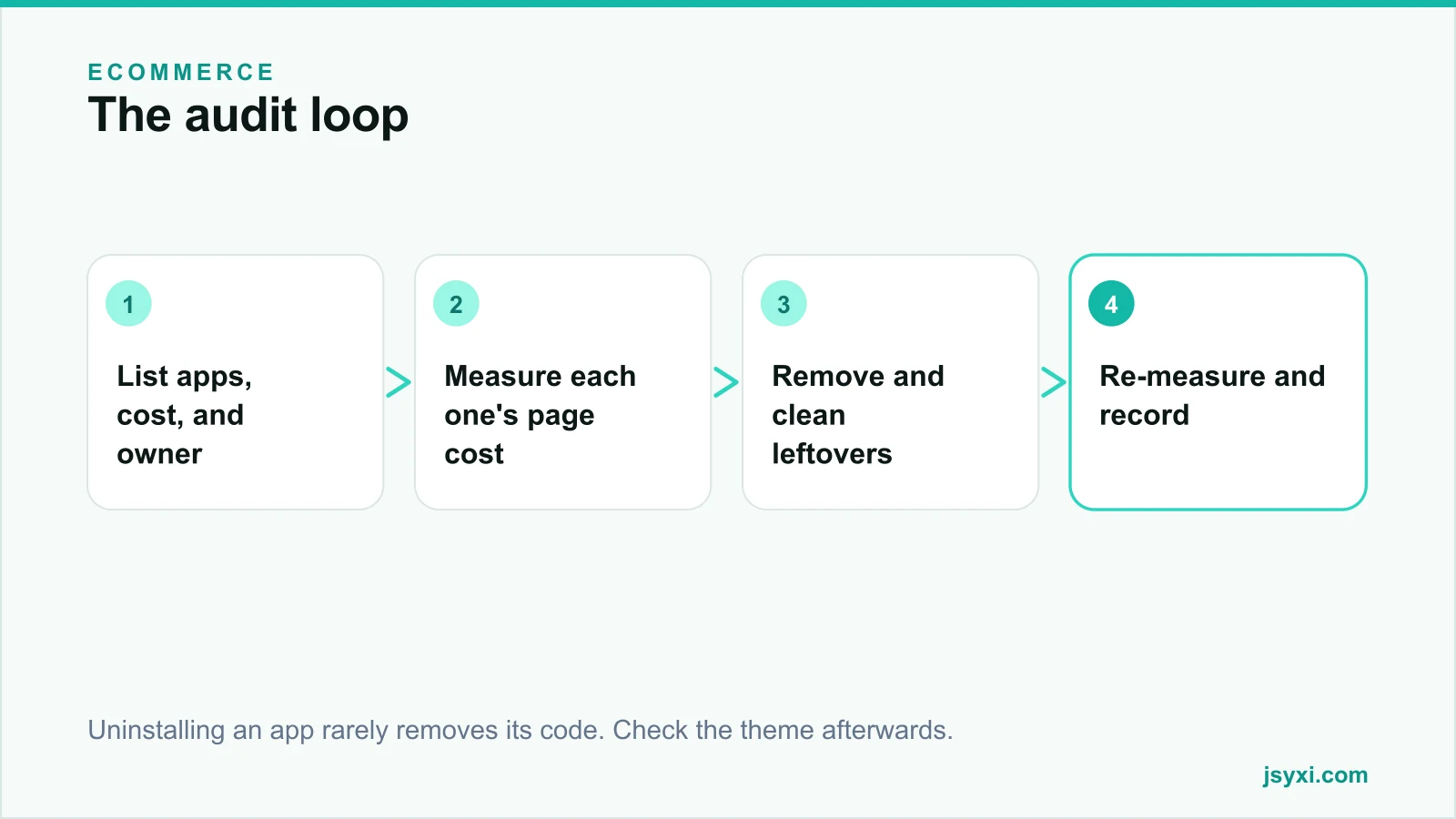
Step 1: List everything, with cost and owner
Build a simple table:
- App name
- Monthly cost
- What business job it does
- Who asked for it and who uses it now
- When it was installed
- Where it appears on the storefront
The exercise itself usually finds two or three apps nobody can justify. If nobody can name the person who uses an app, that is your answer.
Step 2: Measure what each one costs the page
Cost is not only the subscription. Measure the storefront impact:
- Open a product page with developer tools and record total requests, transferred bytes, and main-thread time
- Note which third-party domains are contacted
- Check whether scripts load on every page or only where needed
- Look for apps loading on checkout, where weight is most expensive
Then, where you can, disable one app at a time and re-measure. Our guide on measuring widget performance covers the method, and page speed optimization covers what to do with the findings.
Step 3: Categorise ruthlessly
Sort each app into one of four buckets:
- Essential - directly enables revenue or fulfilment. Keep.
- Valuable - measurably improves a metric you track. Keep, but review the cost.
- Redundant - duplicates something another app or the platform already does. Remove.
- Forgotten - installed for a campaign, a trial, or a person who has left. Remove.
Redundancy is common: two review apps, three popup tools, an analytics app duplicating what your main analytics already reports.
Step 4: Remove properly
Uninstalling is not the whole job. Apps commonly leave behind:
- Script tags injected into the theme
- Liquid snippets and sections
- Metafields and metaobjects
- Webhooks
- CSS and asset files
- Blocks in the theme editor
After uninstalling:
- Duplicate the live theme as a backup before editing anything.
- Search the theme for the app's name and domain.
- Remove leftover snippets and references.
- Check for broken includes that would error on a page.
- Preview thoroughly before publishing, including checkout.
Leftover code is the most common cause of "we removed the app and the site got slower" - the requests are still firing, but now they fail.
Step 5: Re-measure and record
- Re-run the page measurements
- Record the before and after numbers
- Note the monthly saving
- Write down what was removed and when, so nobody reinstalls it in six months
Keep this document. It becomes the reference the next time someone proposes an app.
Step 6: Prevent the next accumulation
Set a simple policy:
- Every app needs a named owner and a stated purpose
- Trial apps get a calendar reminder before the trial ends
- Uninstall as soon as an app is no longer used, not "later"
- Prefer one app that does three jobs over three that each do one
- Quarterly review of the list
What to consider replacing
Common candidates for consolidation:
- Several separate widgets - reviews, FAQ, countdown, popups - can often come from one lightweight source, published from a single workspace with one script
- Two analytics tools reporting the same thing
- A popup app and an email tool with a built-in popup
- An FAQ app where the platform's own page templates would do
Our widget catalogue covers the common storefront elements from one embed, which is usually lighter than four separate apps each loading its own framework.
Common mistakes to avoid
- Uninstalling without cleaning the theme. The requests keep firing.
- Editing the live theme directly. Always duplicate first.
- Judging apps by subscription cost only. The page cost is often larger.
- Removing several apps at once. You cannot attribute a regression.
- No record of what was removed. It gets reinstalled.
Frequently asked questions
How many apps is too many for a Shopify store?
There is no fixed number. The test is whether each app has a named owner, a stated purpose, and a measurable contribution. Ten well-chosen apps can be lighter than four badly built ones.
Does uninstalling an app remove its code?
Often not completely. Script tags, snippets, metafields, and theme blocks are commonly left behind. Duplicate your theme, search for the app's name and domain, and remove leftovers manually.
How do I measure an app's performance impact?
Record requests, transferred bytes, and main-thread time on a key page, then disable the app and measure again. Do this one app at a time so you can attribute the difference.
Should I replace multiple widget apps with one tool?
Usually yes, if one tool covers the jobs properly. Fewer scripts and fewer third-party domains means fewer connections and less main-thread work, and one subscription instead of several.
Next steps
List every app with its cost and owner, remove anything nobody can justify, and clean the theme afterwards. Then put a quarterly review in the calendar so the list stays short.
For a deeper cleanup, our Shopify development service includes theme and app audits.