
Ideas for better growth
How to Add a Testimonial Slider to Your Site
Chris Content · · 4 min read

Collect testimonials worth showing, present them so visitors believe them, and place the slider where it removes doubt instead of decorating a section.
Nearly every website has a testimonials section, and nearly every one is ignored. Three anonymous quotes, all five stars, all saying "great service", rotating on a timer nobody can pause.
The problem is not the format. It is that the quotes carry no information. This guide covers how to collect testimonials that are worth reading and present them so visitors believe them.
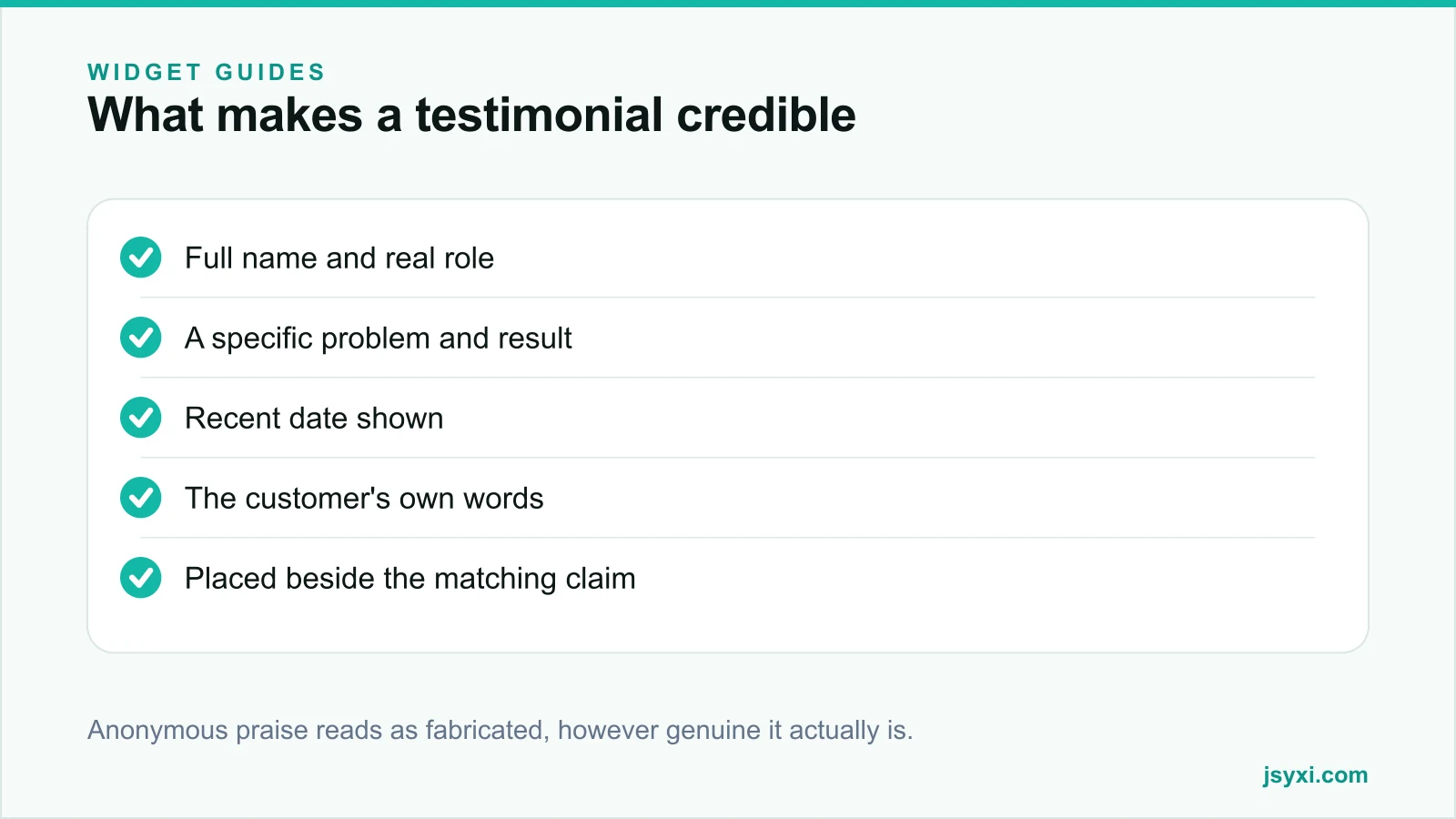
What makes a testimonial credible
A believable testimonial has four properties:
- Attribution. A full name, a role, and a company or city. "Priya S." is barely better than anonymous.
- Specificity. A named problem, what was done, and what changed. "They fixed our checkout in a week and card failures stopped" beats "excellent team".
- Recency. A date, visible. A glowing quote from four years ago raises questions.
- Imperfection. The occasional honest caveat - "the first draft missed the mark, but they turned it around" - makes the whole set more believable, not less.
Uniformly perfect five-star praise reads as curated at best and fabricated at worst.
Step 1: Ask at the right moment
Most testimonial requests fail because of timing. Ask when the value is fresh:
- Immediately after a successful delivery or a resolved support case
- After a positive review elsewhere - ask if you may quote it
- At a renewal or repeat purchase
- After a milestone the customer mentions themselves
Never ask during an open issue, and never ask twice.
Step 2: Ask questions that produce useful answers
"Would you write us a testimonial?" produces "great service, highly recommended". Instead, ask three specific questions and let the customer answer in their own words:
- What problem were you trying to solve before you found us?
- What changed after?
- What would you tell someone considering us?
Then offer to edit the answers into a short quote and send it back for approval. Most people will happily approve a quote they would never have written.
Step 3: Get permission properly
- Ask explicitly whether you can use the name, role, company, and photo
- Confirm in writing, even informally
- Tell them where it will appear
- Honour removal requests promptly
Never invent, embellish, or attribute a quote to someone who did not say it. Fabricated testimonials are a consumer protection issue in most markets, and they are usually obvious.
Step 4: Present them well
The Testimonial and Reviews widget supports grid, carousel, and list layouts. Choose deliberately:
- Grid when you want several quotes read at once - strongest on a landing page
- List when quotes are long and detailed - strongest on a service page
- Carousel when space is tight, with these rules: no autoplay, visible controls, pause on interaction, and a position indicator
Autoplaying carousels move the quote away mid-sentence. If you use rotation, make it slow and stoppable.
Add a photo where you have permission - a real face increases credibility more than a star rating does.
Step 5: Place each testimonial next to the claim it supports
The biggest gain is not in the quotes; it is in the placement. A generic testimonial wall at the bottom of the homepage is decoration. A quote about fast delivery, placed next to your delivery promise, is evidence.
- Delivery quote beside the shipping information
- Support quote beside the support commitment
- Result quote beside the pricing or the enquiry form
- Product-specific quote on that product page
Our post on social proof types and placement covers which proof belongs where, and product reviews and social proof covers the collection side in depth.
Step 6: Keep the set fresh and honest
- Review quarterly and retire quotes older than about eighteen months unless they are exceptional
- Rotate in new ones as projects complete
- Keep a mix of customer types so different visitors see themselves
- Never delete a negative review from a public platform and replace it with a curated quote on your own site - visitors compare
Common mistakes to avoid
- Anonymous quotes. They read as invented.
- Autoplaying carousels with no pause. They are an accessibility failure and a reading failure.
- Only five-star praise. Perfection is suspicious.
- A testimonial wall far from any decision. Proof works at the point of doubt.
- Stock photos as customer faces. If someone reverse-searches one image, the whole page loses credibility.
Frequently asked questions
How many testimonials should I show?
Three to six on a page, chosen to match the doubts on that page. A long wall of quotes is skimmed and ignored; a few specific, well-placed quotes are read.
Should testimonials autoplay in a carousel?
No. Autoplay moves text away while people are reading it and causes accessibility problems. If you rotate, provide visible controls, pause on interaction, and keep the interval long.
Can I edit a customer's testimonial?
You can tighten it for length and clarity, but you must not change its meaning, and you should send the edited version back for approval before publishing.
What if I have no testimonials yet?
Use other evidence: completed project counts, before and after comparisons, named clients with permission, or a detailed case study. Do not invent quotes to fill the section.
Next steps
Email your last five happy customers the three questions above, edit their answers into short quotes, get approval, and publish them with the Reviews widget beside the claims they support.
Start free and replace anonymous praise with real evidence.