
Ideas for better growth
How to Add Animated Counters to Your Website
Chris Content · · 4 min read
Count-up statistics build credibility when the numbers are real and defensible. Which numbers to show, how to label them honestly, and how to keep them current.
An animated counter is a small piece of theatre: a number that ticks up as it scrolls into view. Used well, it compresses years of credibility into one line. Used badly, it is an unverifiable claim in a large font.
The difference is entirely in whether the numbers are true, specific, and current.
Choose numbers that mean something
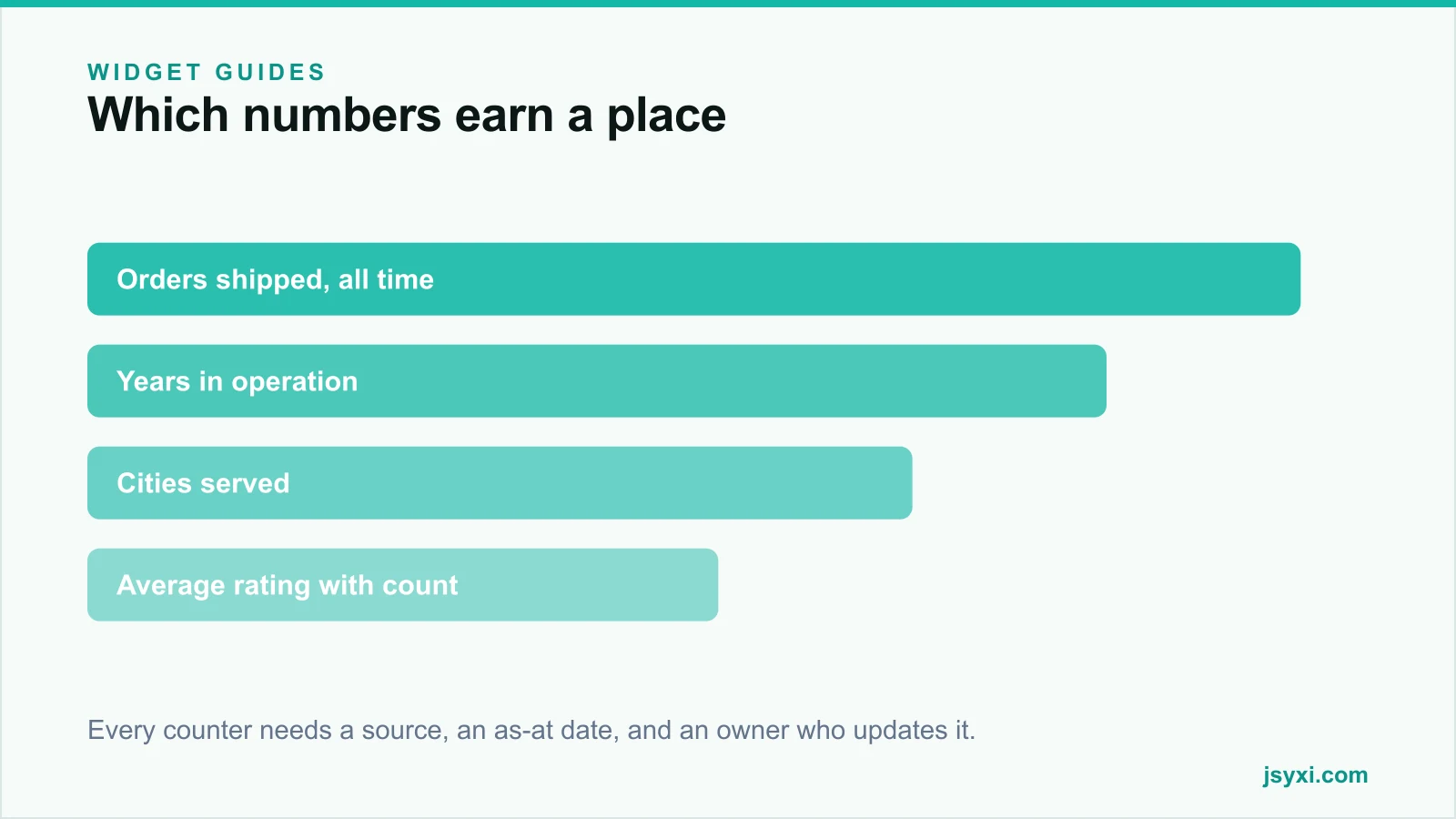
Good counters answer a question the visitor is already asking:
- Scale - orders shipped, customers served, projects completed
- Longevity - years in operation, since a year the visitor can verify
- Reach - cities, states, or countries served
- Quality - average rating, always with the review count beside it
- Capacity - team size, production volume, service coverage
Weak counters are the ones with no denominator or no definition: "10,000+ happy customers" where nobody can say what counted as happy, or "99% satisfaction" with no survey behind it.
Define each number before you publish it
For every counter, write down:
- The exact definition. Does "customers" mean unique buyers, orders, or accounts?
- The source. Which system produces it?
- The as-at date. A number without a date decays silently.
- The owner. Who updates it, and how often?
If you cannot answer all four, do not publish the number. A statistic you cannot defend in a meeting is a statistic a customer can catch you on.
Label them honestly
The label does more work than the number:
- Say what is being counted, precisely: "Orders delivered since 2019" beats "Happy customers"
- Show the period: all time, this year, or last twelve months
- Round sensibly, and do not round upward to a flattering threshold
- Use "+" only when the number genuinely keeps rising
- Never present a projection as an achievement
If a number is impressive only because it is ambiguous, the ambiguity is doing the work, and visitors notice.
Build it without editing your theme
The Animated Counter widget animates statistics when they scroll into view, and the Stats Counter pattern works well as a row of three or four figures.
Configure:
- Three or four counters, not eight
- A short label under each number
- A prefix or suffix where it clarifies - a currency symbol, a plus, a per cent sign
- Animation that runs once, briefly, and is not distracting
Place it with the embed snippet guide.
Respect motion preferences
Animation is the point of the widget, which makes accessibility a real consideration:
- Honour the reduced-motion preference by showing the final value immediately
- Keep the count-up short - under a second or so
- Ensure the final value is in the page text, not painted only by script
- Do not animate repeatedly as the visitor scrolls back and forth
A counter that keeps restarting is a distraction, and for some visitors it is a genuine barrier.
Where counters work
- Homepage, below the hero, as a credibility band
- About page, alongside your timeline
- Service pages, with numbers specific to that service
- Case study pages, showing the result of that project
They do not work on checkout, in a cart, or anywhere the visitor is mid-task.
Pair them with the proof that supports them - a logo showcase, reviews with real counts, or named case studies. See social proof types and placement.
Keep them current
- Put a recurring reminder on the owner's calendar
- Update at least quarterly, and immediately after a milestone
- Change "since 2019" style labels rather than static year counts, so the page ages correctly
- Remove any counter you can no longer source
A counter that says "5 years in business" three years after it was written is worse than no counter.
Common mistakes to avoid
- Invented or unsourceable numbers. They are a consumer protection risk and easy to challenge.
- Percentages with no denominator. "98% satisfaction" from twelve responses is not a statistic.
- Eight counters in a row. Nobody reads past the third.
- Numbers that never change. They advertise that nobody maintains the site.
- Ignoring reduced-motion preferences. Animation must be optional.
Frequently asked questions
What numbers should I show on my website?
Numbers you can source and define: orders delivered, years in operation, cities served, projects completed, or an average rating with its review count. Avoid vague claims like "happy customers" with no definition.
Are animated counters good for conversion?
They can support credibility when the numbers are real, specific, and placed near a decision. They do nothing when the figures are vague, and they damage trust if a visitor can disprove them.
How many counters should I display?
Three or four. A row of eight reads as filler, and attention drops sharply after the first few.
How do I make counters accessible?
Respect the reduced-motion preference by showing the final value immediately, keep the animation short, run it once, and make sure the value exists in the page content rather than only being animated in.
Next steps
Write down four numbers you can source, define, and date. Publish them with the Animated Counter widget and put a quarterly update reminder on one person's calendar.
Start free and show numbers you can defend.