
Ideas for better growth
Google Business Profile: An Optimization Guide
Chris Content · · 5 min read
Your business profile often outranks your website locally. How to complete it properly, keep it current, handle reviews, and avoid the edits that get you suspended.
For a local business, the Google Business Profile is often more visible than the website. It appears in map results, in the local pack, and in the panel beside branded searches. It carries your hours, your phone number, your reviews, and the photo a customer sees before deciding to visit.
It is also the most neglected asset most small businesses own.
Step 1: Claim and verify
If you have not claimed the listing, do that first. An unclaimed listing can be edited by the public, and the details drift.
Verification method varies by category and location. Complete it fully - an unverified profile is limited and ranks poorly.
Step 2: Get the core details exactly right
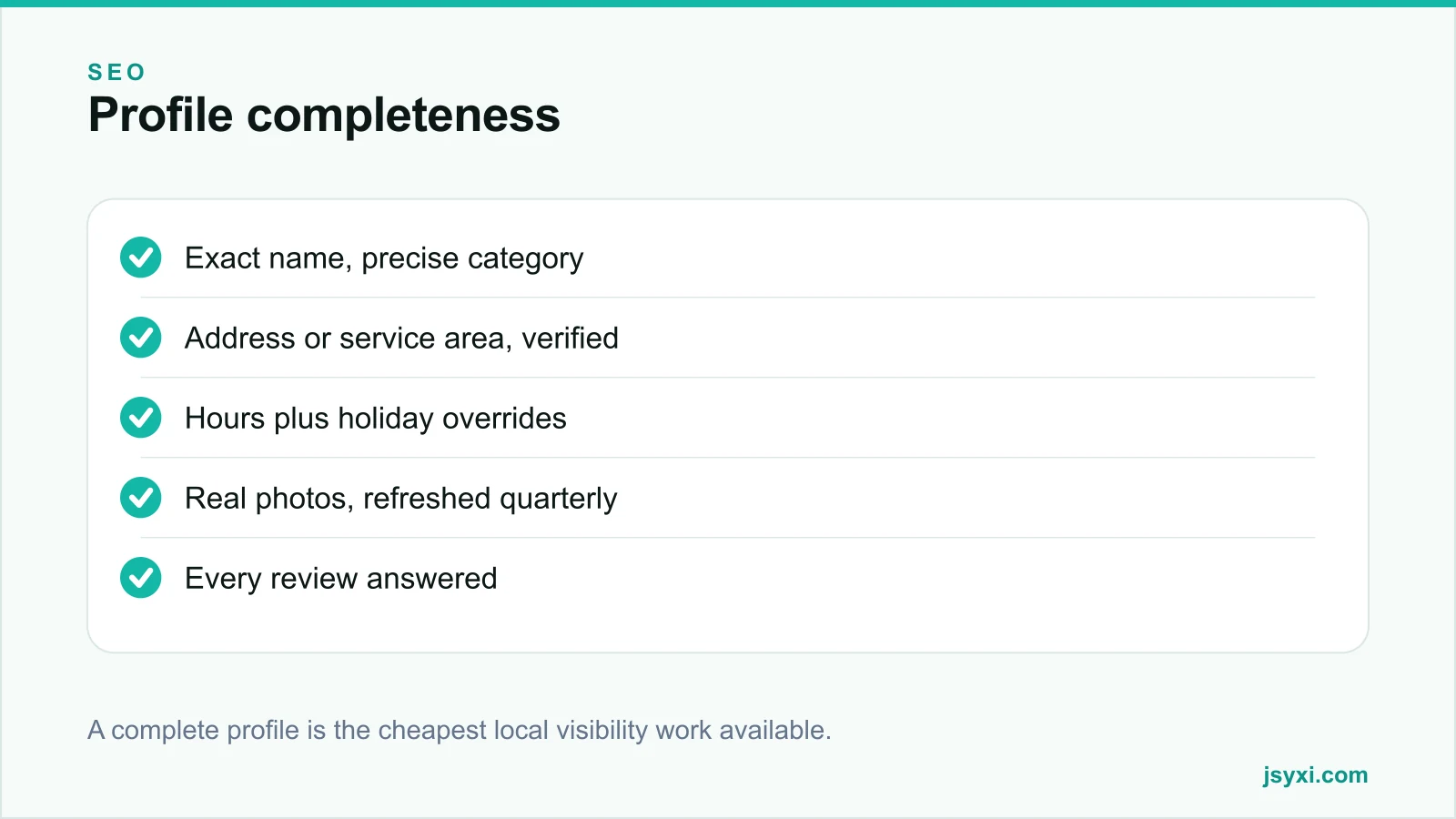
- Business name. Exactly as it appears on your signage and registration. Adding keywords - "Sharma Dental Clinic Best Dentist Andheri" - violates guidelines and is a common cause of suspension or public edits.
- Primary category. The single most influential field for what searches you appear in. Choose the most specific accurate option, not the broadest.
- Secondary categories. Add the ones you genuinely serve; do not pad.
- Address. Exactly as on your other listings. If you serve customers at their location and have no walk-in premises, use a service area instead.
- Phone. A local number that is answered, not a national queue.
- Website. For multi-location businesses, link to that branch's page, not the homepage.
Step 3: Hours, including the exceptions
Hours are the most-used field and the most commonly wrong:
- Regular weekly hours, including weekly offs
- Special hours for public holidays and festivals, set a quarter ahead
- Temporary closure status when genuinely closed, rather than deleting the listing
- Separate hours for distinct services if the platform supports it
Mirror the same schedule on your website with a Business Hours widget so the two never disagree. See our guide to publishing business hours.
Step 4: Photos that are actually yours
Photos are the first impression for a large share of local searchers:
- Exterior shots that let someone recognise the place from the road
- Interior shots showing the real space
- Product or work photos
- Team photos, with permission
- No stock imagery, no text-heavy graphics
Refresh quarterly. Profiles with recent, genuine photos look active; profiles with three photos from 2019 look abandoned.
Step 5: Fill the secondary fields
Most businesses stop after the basics. The remaining fields are cheap wins:
- Services or products with short, accurate descriptions
- Attributes - parking, wheelchair access, payment methods, appointment requirements
- Business description - plain, specific, and about the customer rather than a mission statement
- Opening date, which supports longevity signals
- Booking or ordering links, where you support them
Step 6: Handle reviews properly
Reviews are the deciding factor for most local choices, and your responses are read by future customers more than by the reviewer.
- Ask consistently, at the moment of satisfaction, with a one-tap link or a counter QR code
- Never incentivise positive reviews - it violates policy and is detectable
- Respond to every review within a few days
- Keep responses short, specific, and non-defensive
- For a negative review: acknowledge, state what you will do, and move the conversation offline
- Never argue publicly, and never reveal customer details in a response
A calm response to a critical review persuades more readers than ten five-star ratings.
Step 7: Use posts and questions
- Posts for genuine updates: new stock, seasonal hours, an event. They expire, so keep them current rather than stale.
- Questions and answers. Seed the genuinely common questions yourself and answer them, then monitor for public answers that are wrong and correct them politely.
Step 8: Keep it consistent with everything else
Your profile is one node in a network of listings. Name, address, and phone must be identical across your website, directories, marketplaces, and social profiles. Inconsistency weakens local trust signals. See our local SEO checklist.
Step 9: Watch for unauthorised edits
Anyone can suggest edits to a listing. Check monthly for:
- Changed hours or phone numbers
- Category changes
- Merged or duplicate listings
- Photos uploaded by others that misrepresent the business
- A "permanently closed" flag applied incorrectly
Fix these quickly. A wrongly closed listing can cost weeks of traffic before anyone notices.
Common mistakes to avoid
- Keywords in the business name. The single most common suspension trigger.
- A national phone number on a local listing.
- Never adding holiday hours. Wasted trips become one-star reviews.
- Ignoring reviews. Silence reads as indifference.
- Creating duplicate listings for the same location. They split signals and can trigger penalties.
Frequently asked questions
How do I rank higher in the local map pack?
Relevance, distance, and prominence drive local ranking. You control relevance through category and content accuracy, and prominence through reviews, consistency across listings, and your website's authority. Distance you cannot change.
Can I add keywords to my business name?
No. Use the name on your signage and registration. Keyword-stuffed names violate guidelines and frequently lead to suspension or public edits reverting the name.
How often should I post updates to my profile?
Only when there is something genuine to say - new stock, changed hours, an event. A stale expired post is worse than no post. Photos, however, are worth refreshing quarterly.
Should I respond to negative reviews?
Yes, always, briefly and without defensiveness. Acknowledge the issue, say what you are doing about it, and offer to continue offline. Future customers read the response more carefully than the review.
Next steps
Open your profile today, fill every empty field, add holiday hours for the next quarter, and reply to every unanswered review. That is usually an hour of work and the highest-return local SEO available.
If you want it managed alongside your wider search work, see our digital marketing and SEO service.